Board
BoardPlan the lesson once. The board does the rest.
Plan each class once, then show it on your projector all day.
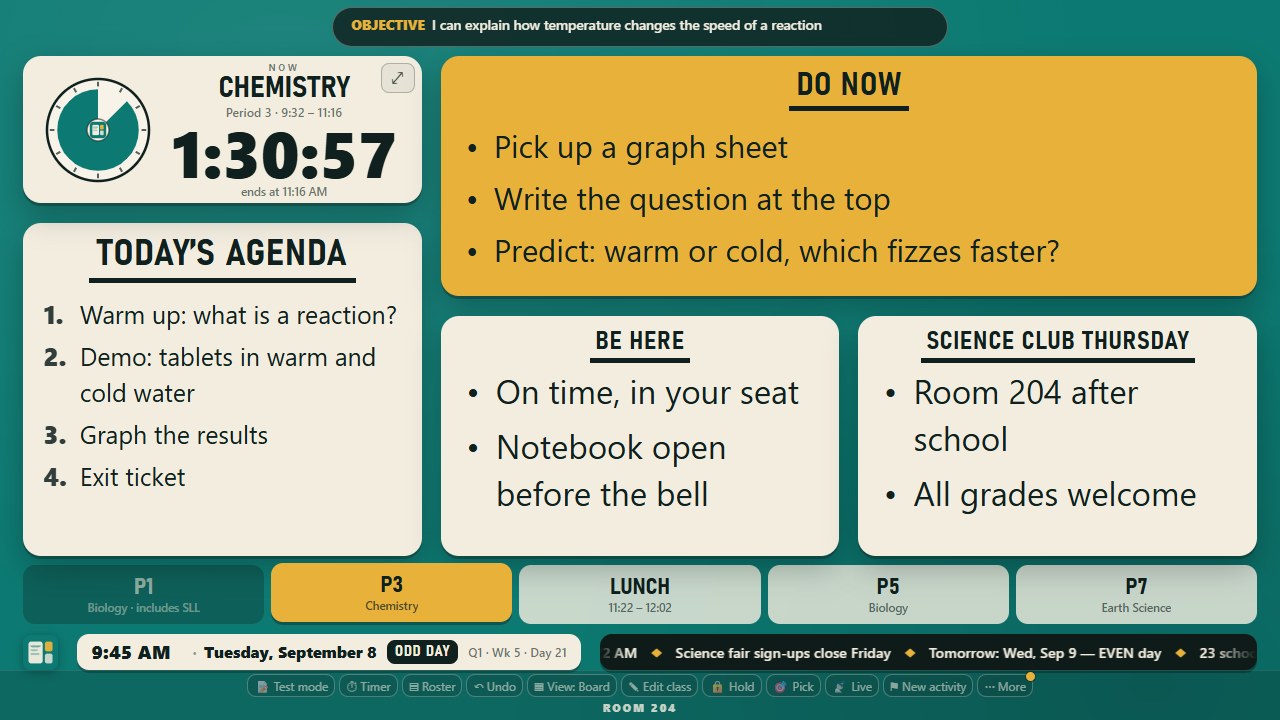
The board shows the plan on your projector all day.
The planner puts every class, unit and week on one screen.
Timers and schedules follow your real bells, test days included.
Live questions, groups and scores run from the board and your phone.
- Class lists, photos and quick scores stay in your browser.
- Live questions use a room code and seat numbers.
- No student accounts.
Join the beta
Leave your email for an invitation.
Explore featuresFour parts, one plan. Open any one to see how it works.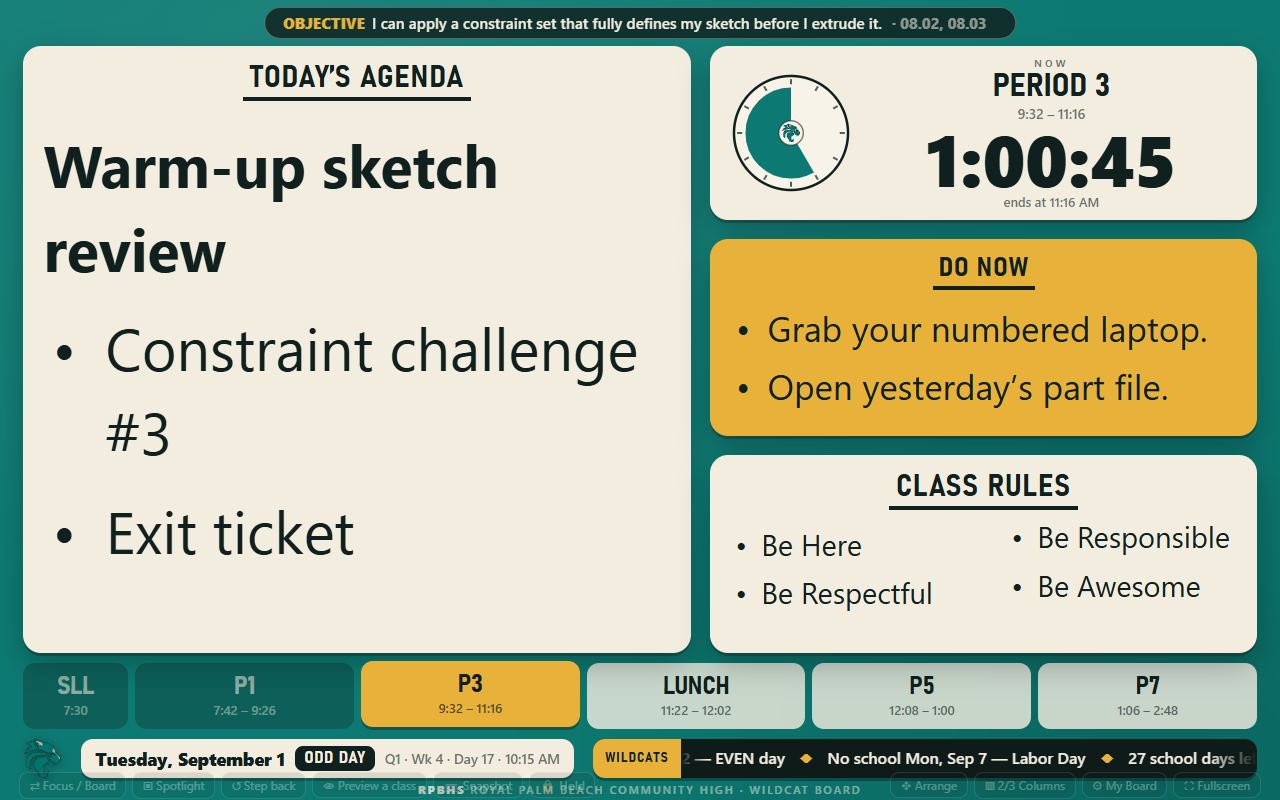 The boardUp on your projector all day
 PlanningEvery class, unit and week
 Timers and schedulesYour real bells and test days
 Live questions, groups and scoresFrom the board and your phone
Four groups. Open a row for details. Pictures use sample content.
The board
What your school asks you to post, up all day, changing classes on its own.
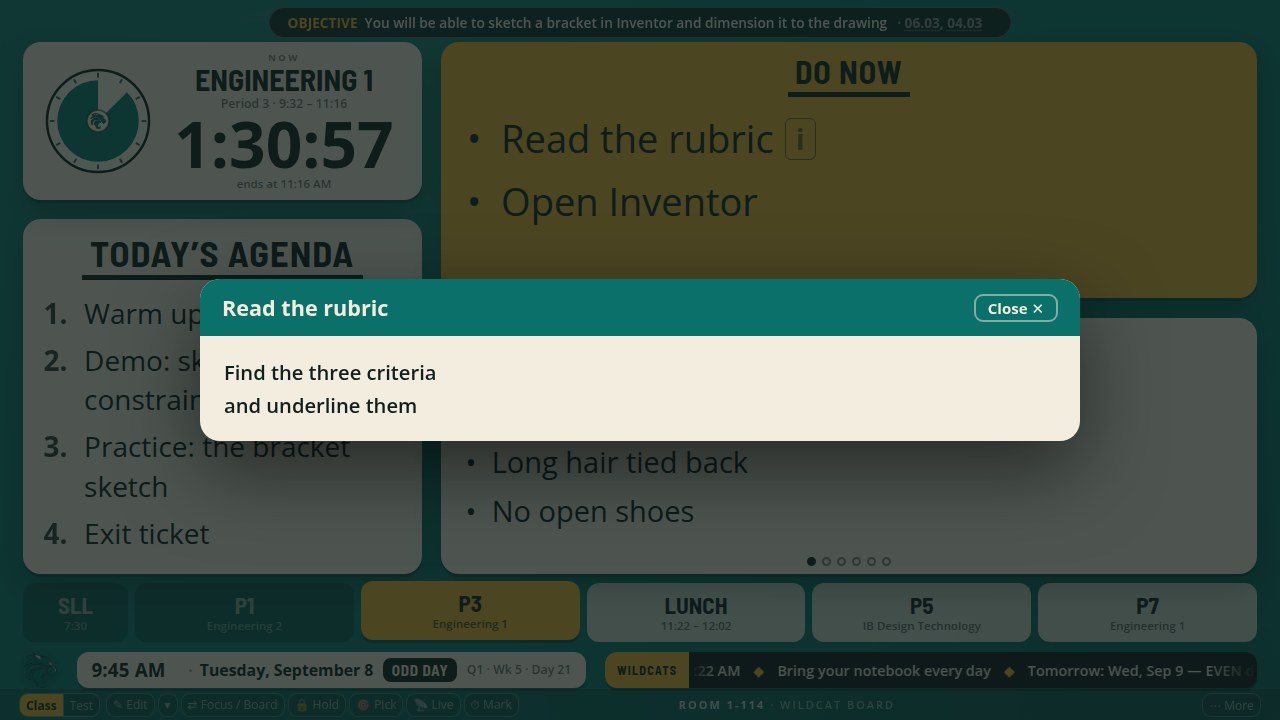
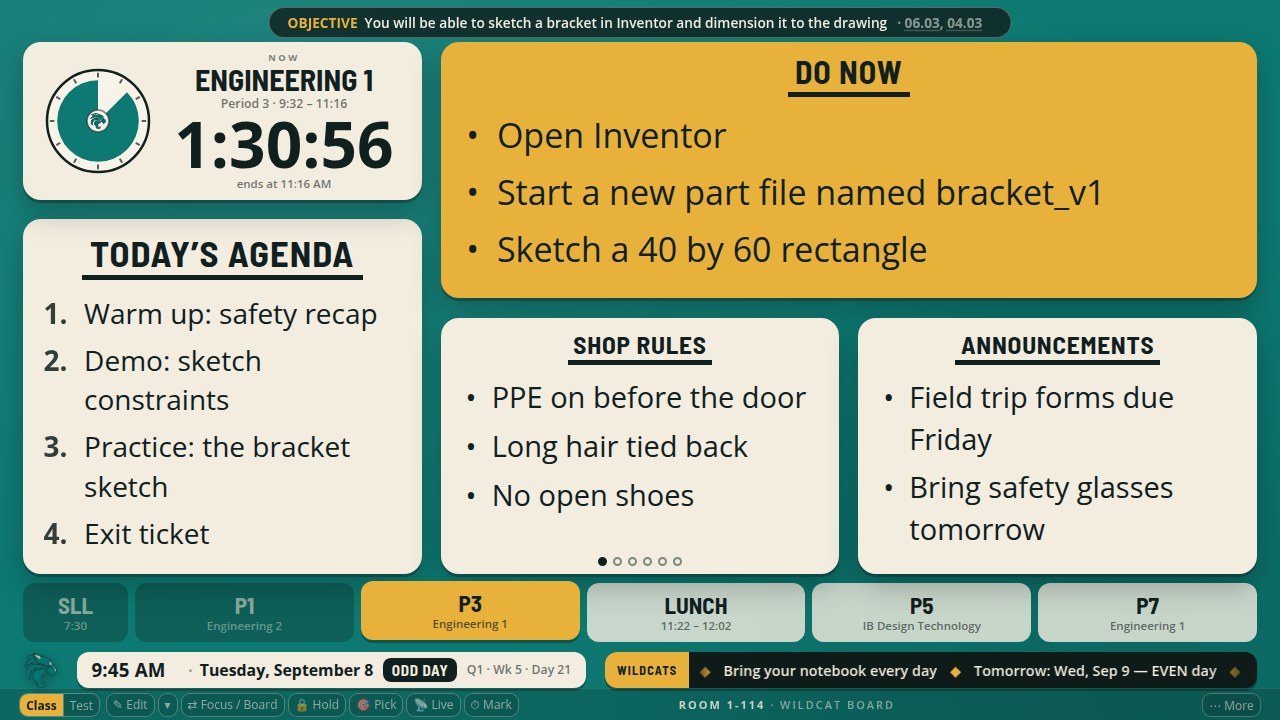
Agenda and Do Now. Show the day’s work in large type.
Use a short Do Now on the card and open its longer instructions when the class needs them.
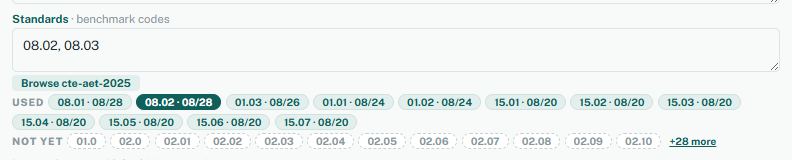
Objective and standards. Keep the lesson’s goal on screen.
The objective reads as you typed it. Choose a strip across the top or a separate card, and include standards codes.
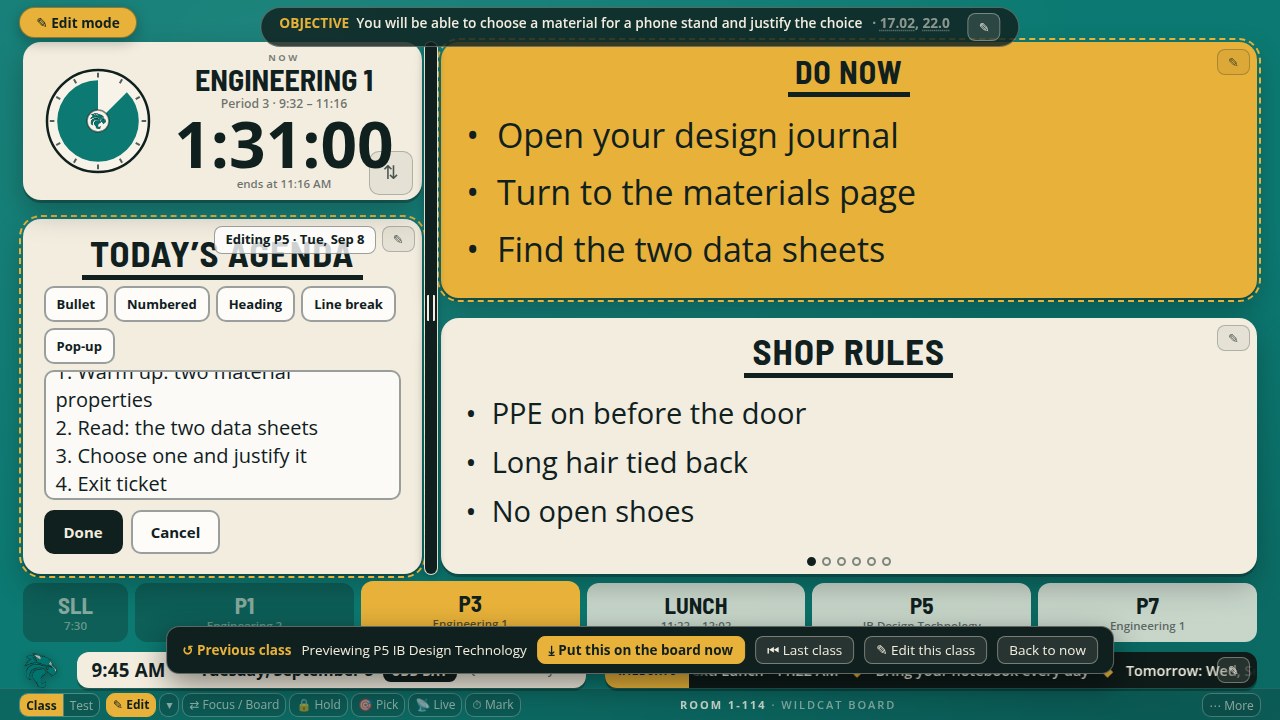
Edit on the board. Change the agenda or Do Now where you see it.
Open the pencil on a card, edit the text and choose Done. The edit belongs to the class on screen.
Preview a class. Check another class before it starts.
Return to the current class when you finish previewing. Hold keeps the current content on the board until you release it.
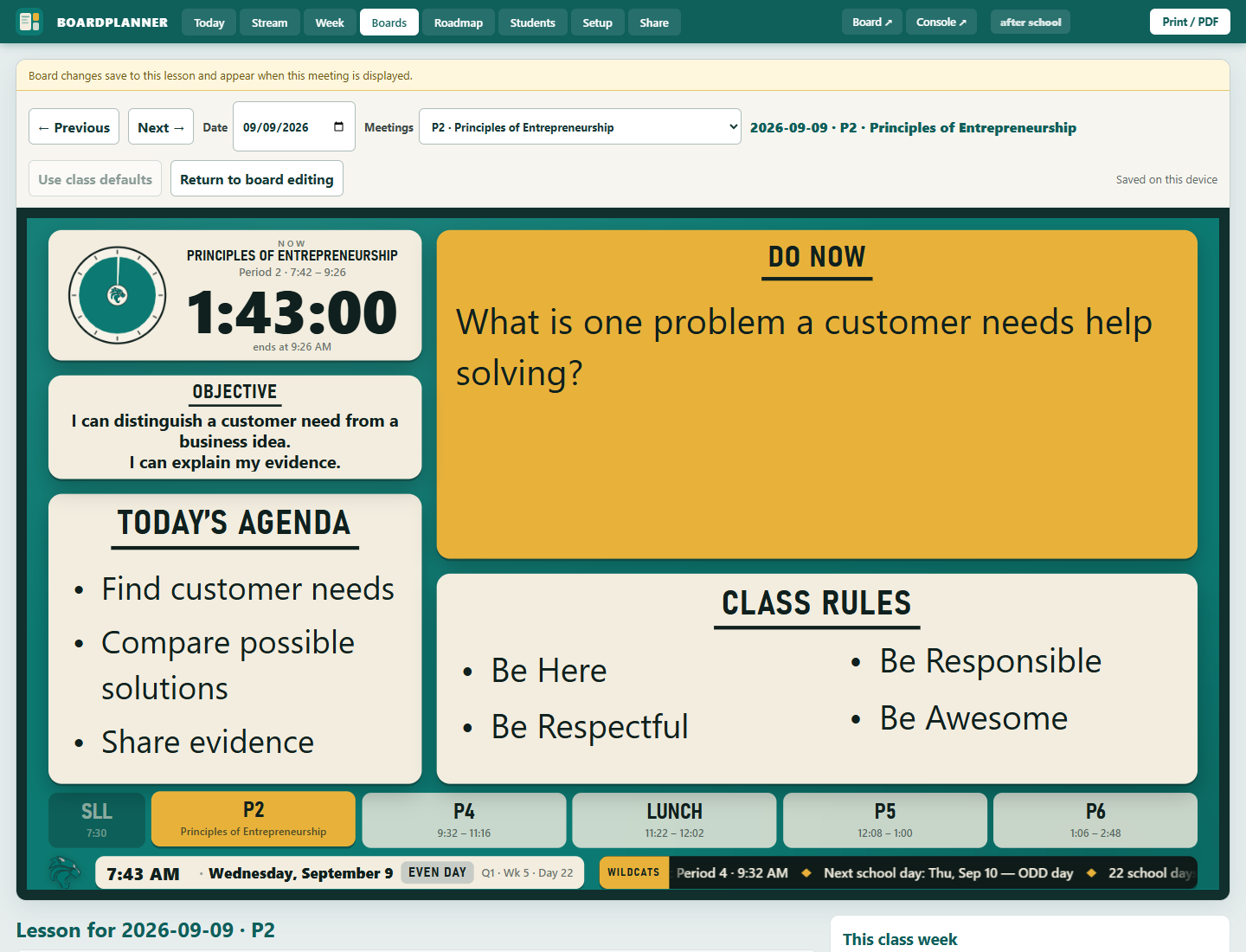
Planning
The planner is where you type. The board reads it.
Plan each meeting. Keep an objective, agenda and Do Now for each class.
Use the planner to prepare lessons by date and period. The board displays the lesson for the scheduled class.
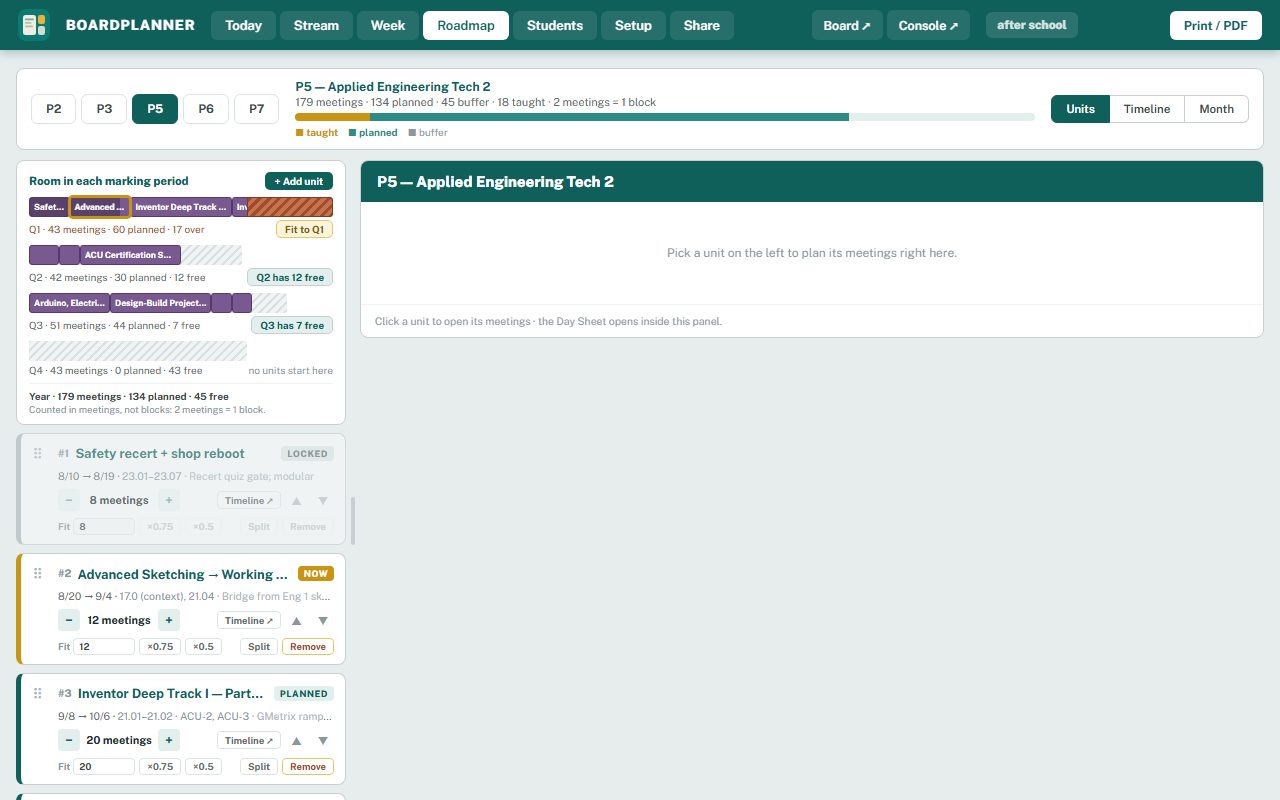
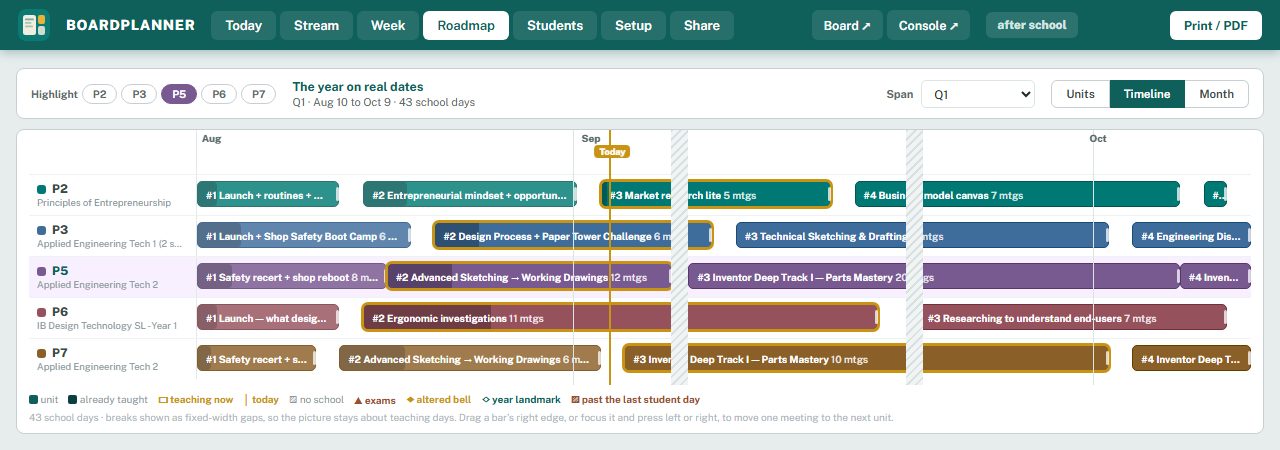
Map the year. Arrange units across school days.
See the roadmap by unit, timeline or month. Move units and compare planned meetings with the time available.
Fit a marking period. See when your units need more meetings than you have.
Adjust meeting counts, split a unit or review a proposed trim before applying it.
Record what happened. Note whether a class finished or needs more time.
Record where the class stopped so you can plan its next meeting.
Timers and schedules
Your real bells, the odd and even days, and the testing mornings.
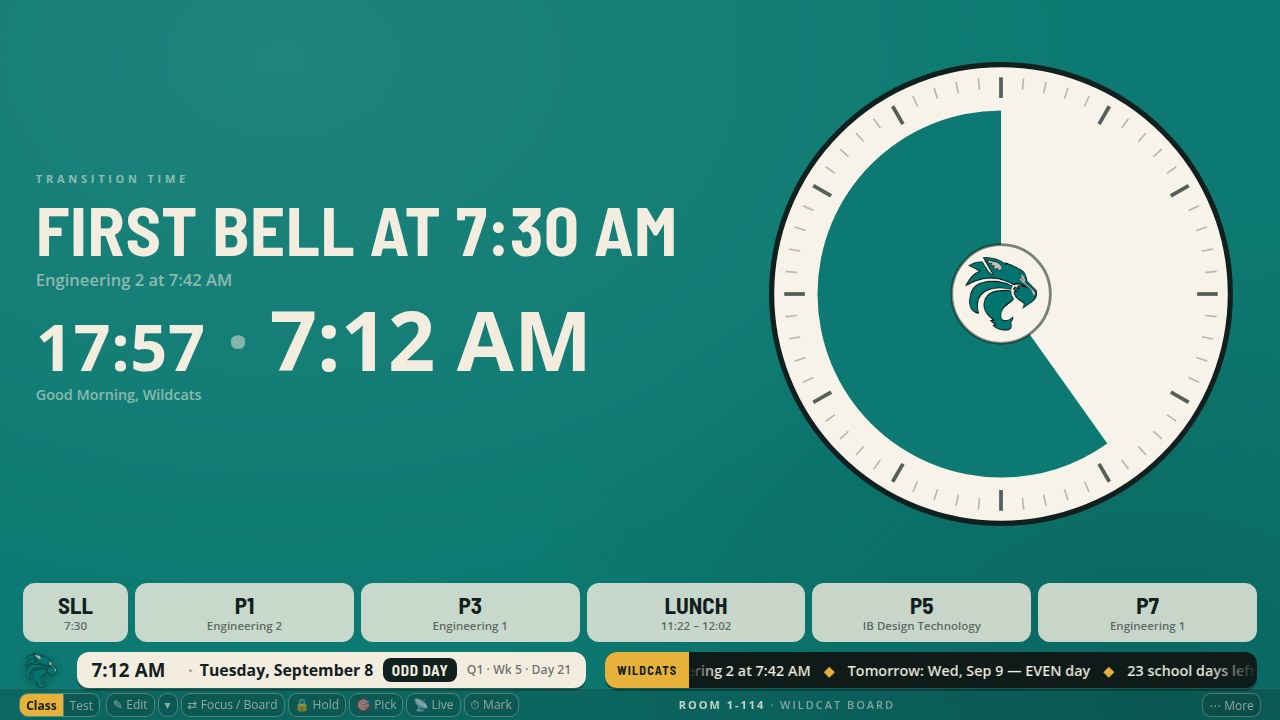
Follow the bells. The class timer uses your school calendar.
Outside a session, the timer card shows the current time. Before the next session, it counts down to the start.
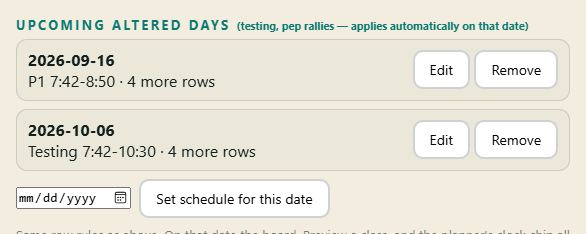
Plan altered days. Set testing mornings and early releases ahead of time.
Enter the date and changed bell times. The board uses that schedule on the selected date.
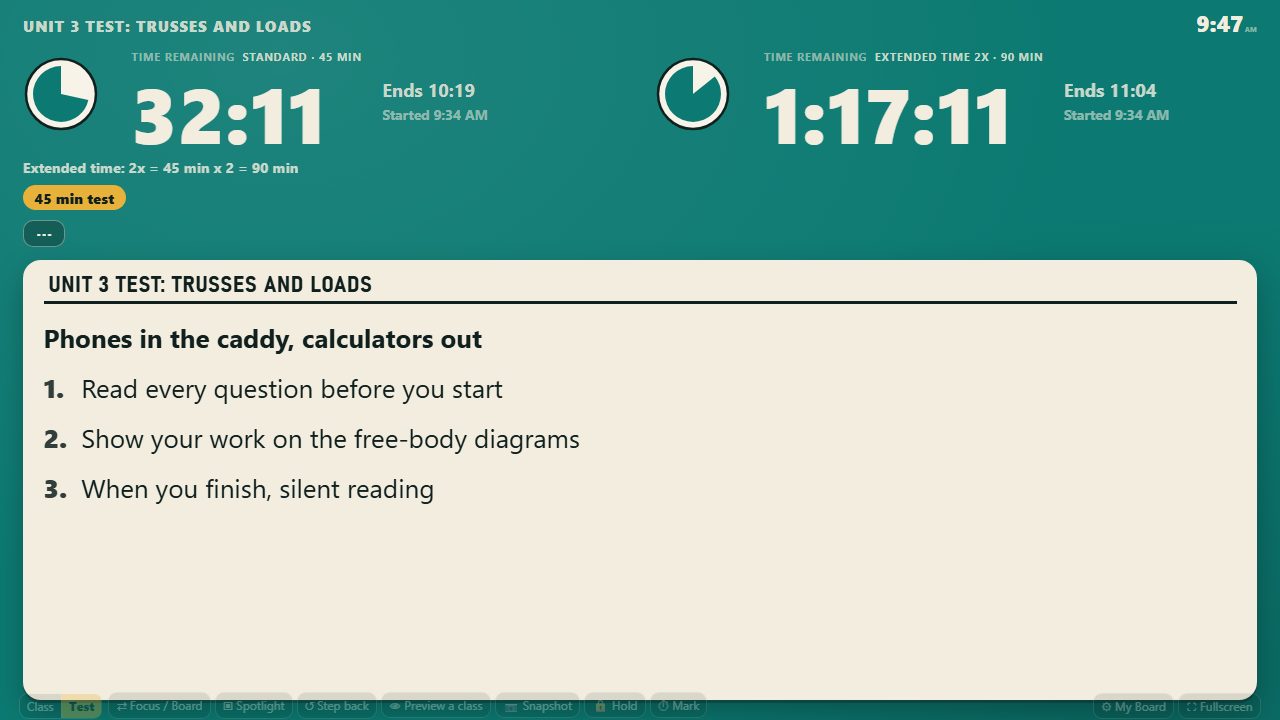
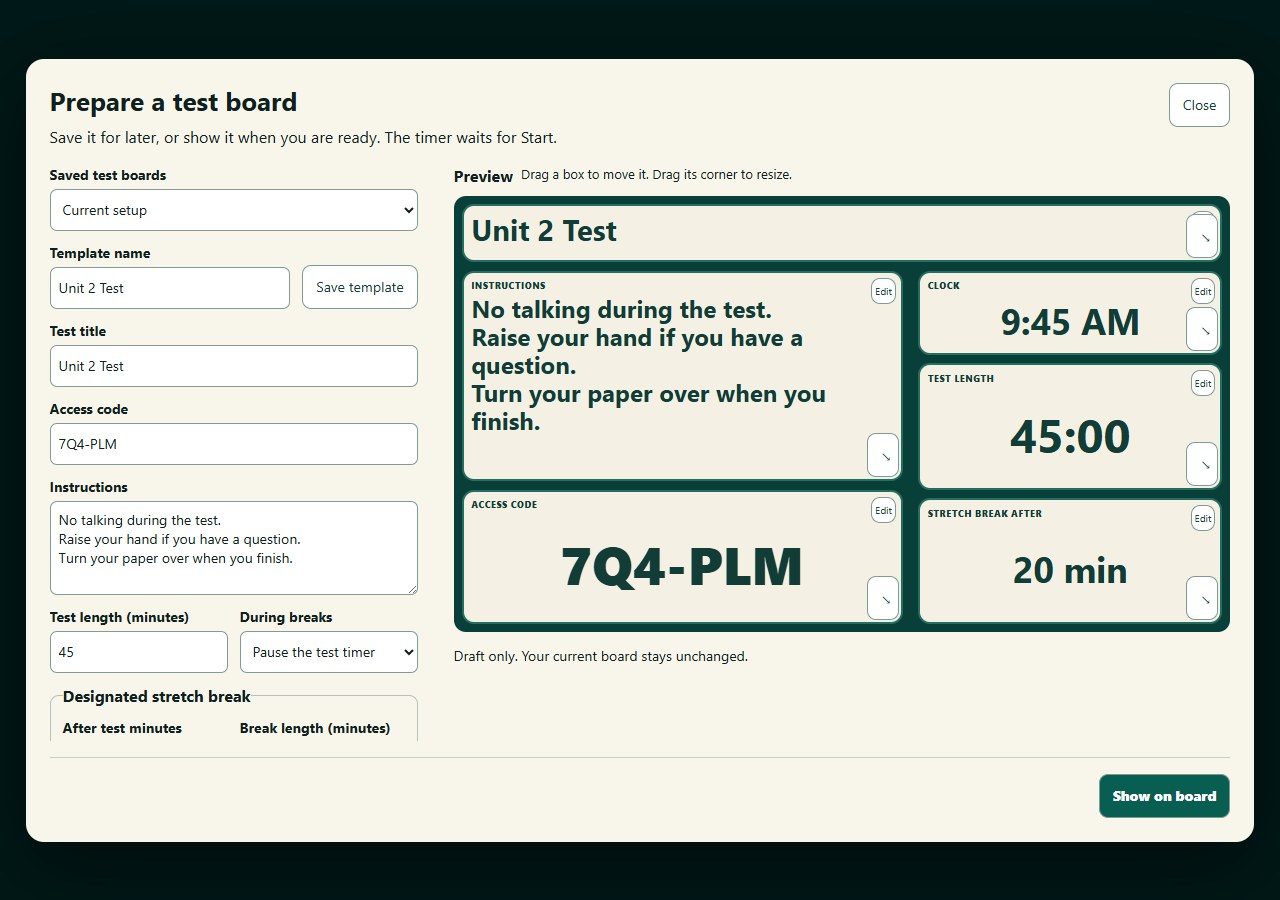
Prepare a test board. Put instructions and the countdown together.
Set the title, instructions and timer before class, then show the test board when you are ready.
Extended time and breaks. Set the test length and any extra time.
Choose standard or extended time, or show both. Use the break controls to pause the test when needed.
Live questions, groups and scores
The room answers, sorts and gets marked from the board and your phone. Names stay in your browser.
Live questions. Students answer from a phone or laptop.
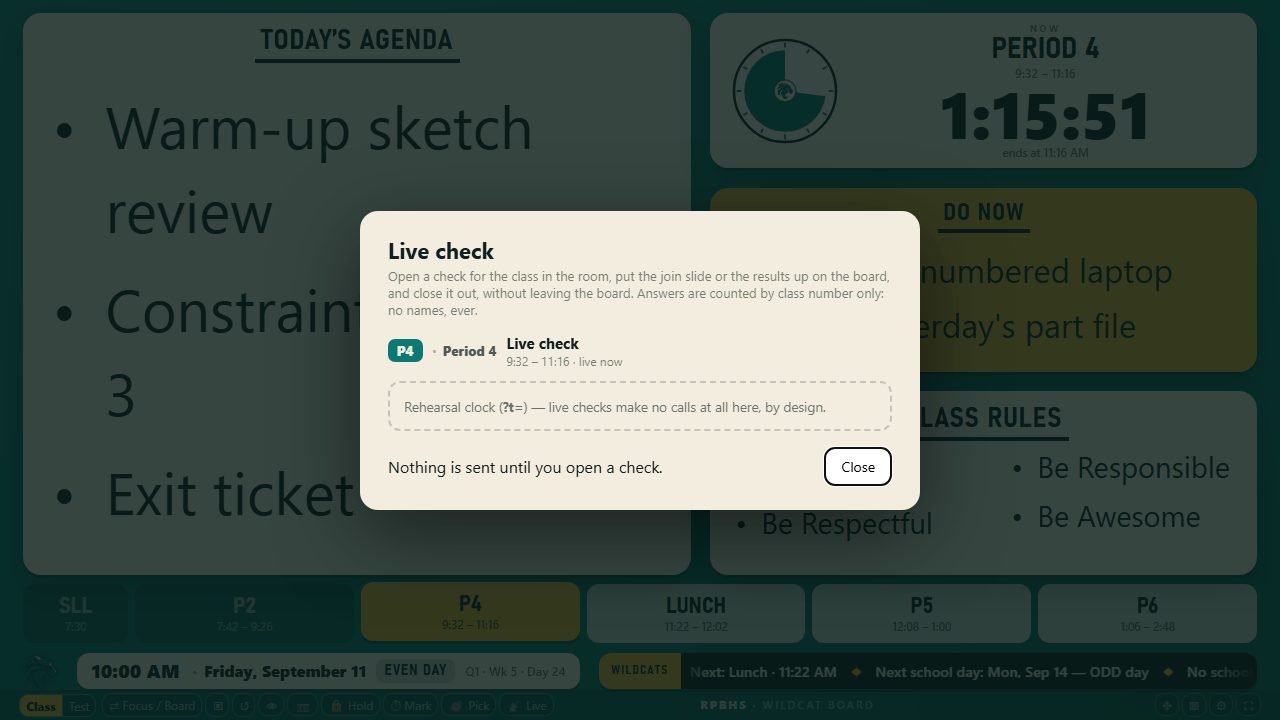
Students open the join page, enter the room code and choose their seat number. Show the question and view the results from the board.
Pick a seat number. Choose a number from your seating chart.
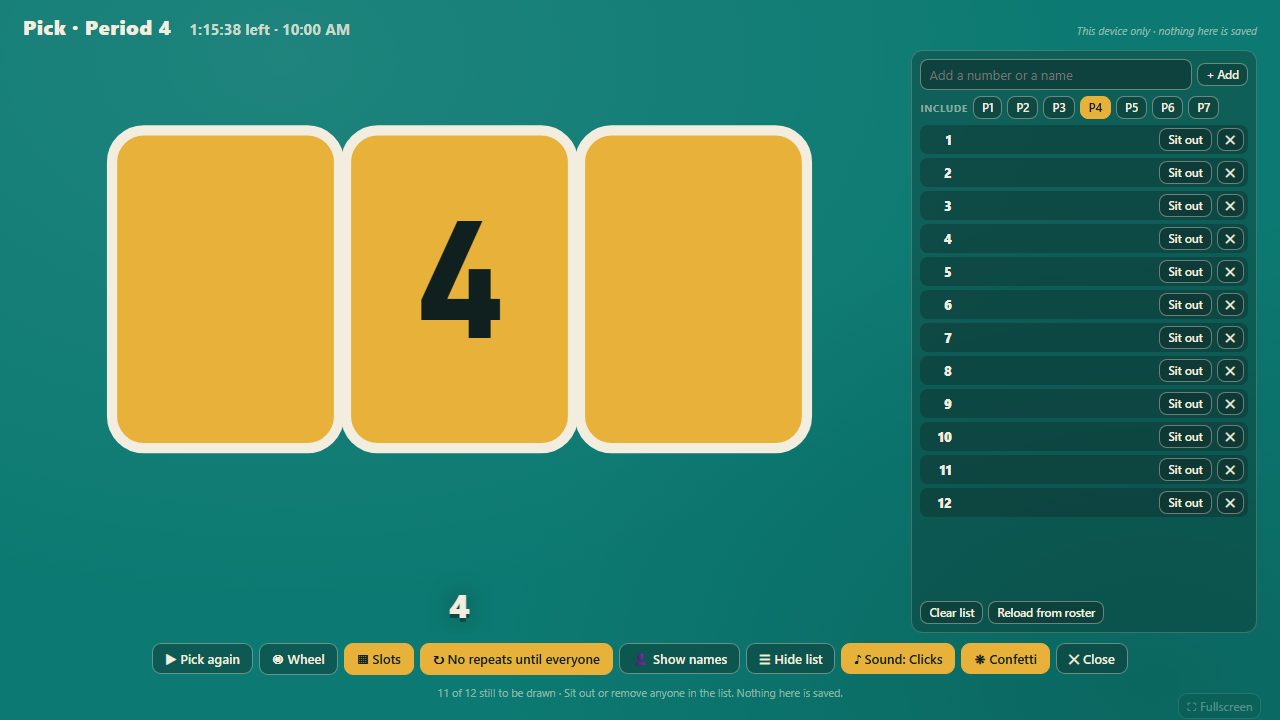
Use the board’s picker for a turn or a question.
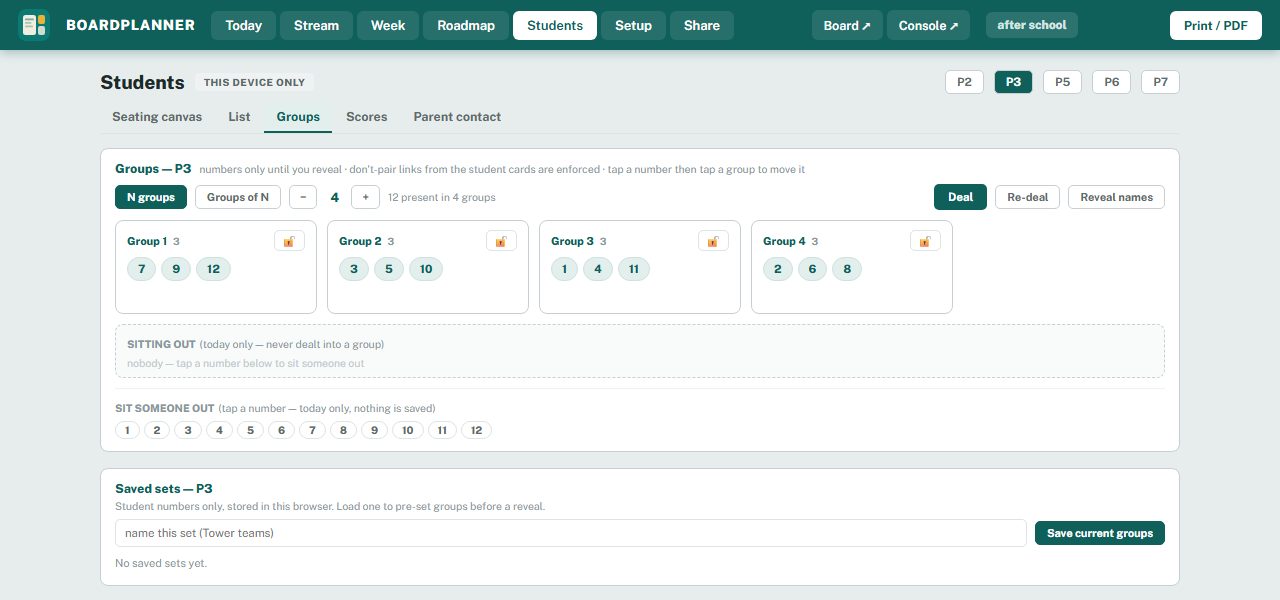
Arrange groups. Choose the number or size of groups.
Keep marked pairs apart, lock a group or sit a seat out. You can name groups and keep notes on them.
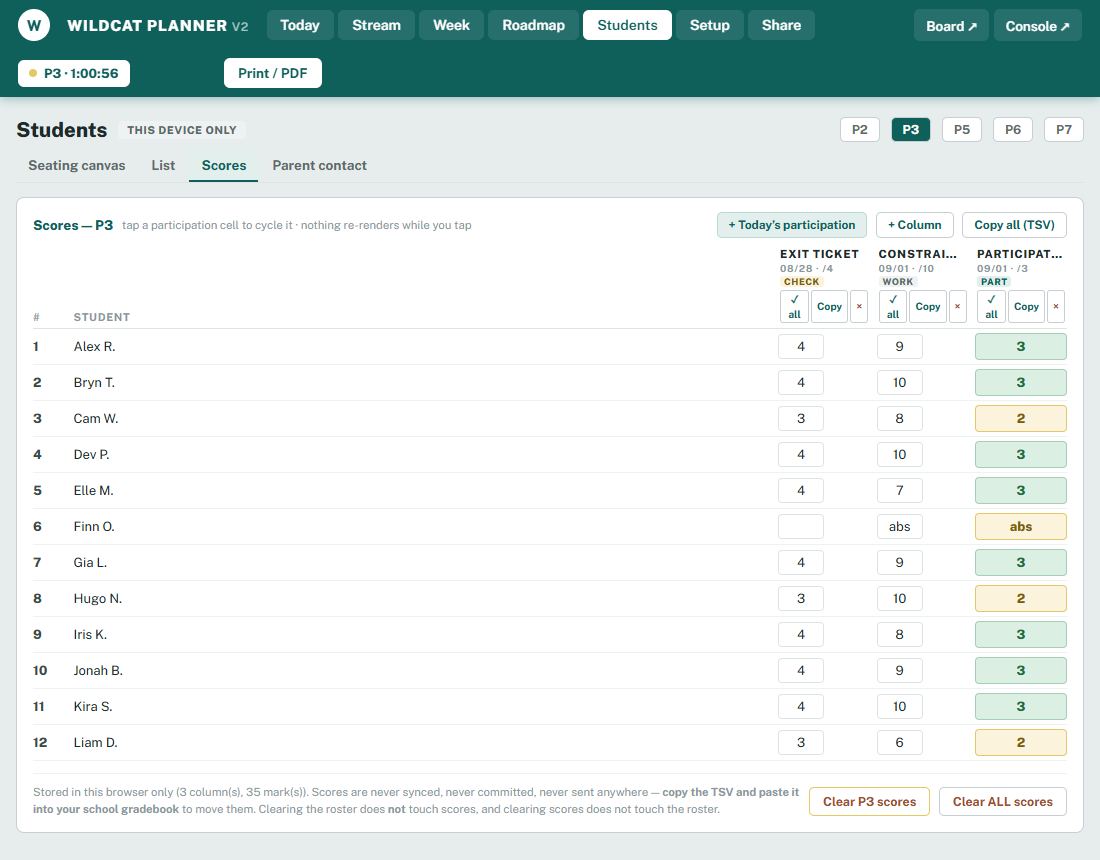
Quick scores. Record participation and short assignments.
Copy or download scores when you need them. Class lists, photos and scores are stored in your browser, not uploaded to BoardPlanner.